What Is an IP Phone? A Plain-English Guide for 2026
If someone has told you to switch to an IP phone and you are not sure what that means, this guide is for you. An IP phone looks like a normal desk telephone, but instead of a copper line it uses your internet connection to make and receive calls. That one change unlocks lower bills, smarter features, and a system that grows with your business. By the end of this article you will understand exactly how the technology works and how to pick the right handset.
We help offices, clinics, and hotels move off aging analog lines every month, so the explanations below avoid jargon and focus on what you will actually notice day to day.
How an IP Phone Actually Works
A traditional phone sends your voice as an electrical signal down a dedicated wire. An IP phone instead chops your voice into small digital packets and sends them across the same network your computers use. This technology is called Voice over Internet Protocol, or VoIP. The United States Federal Communications Commission describes VoIP as a service that lets you make calls using a broadband connection instead of a regular phone line.
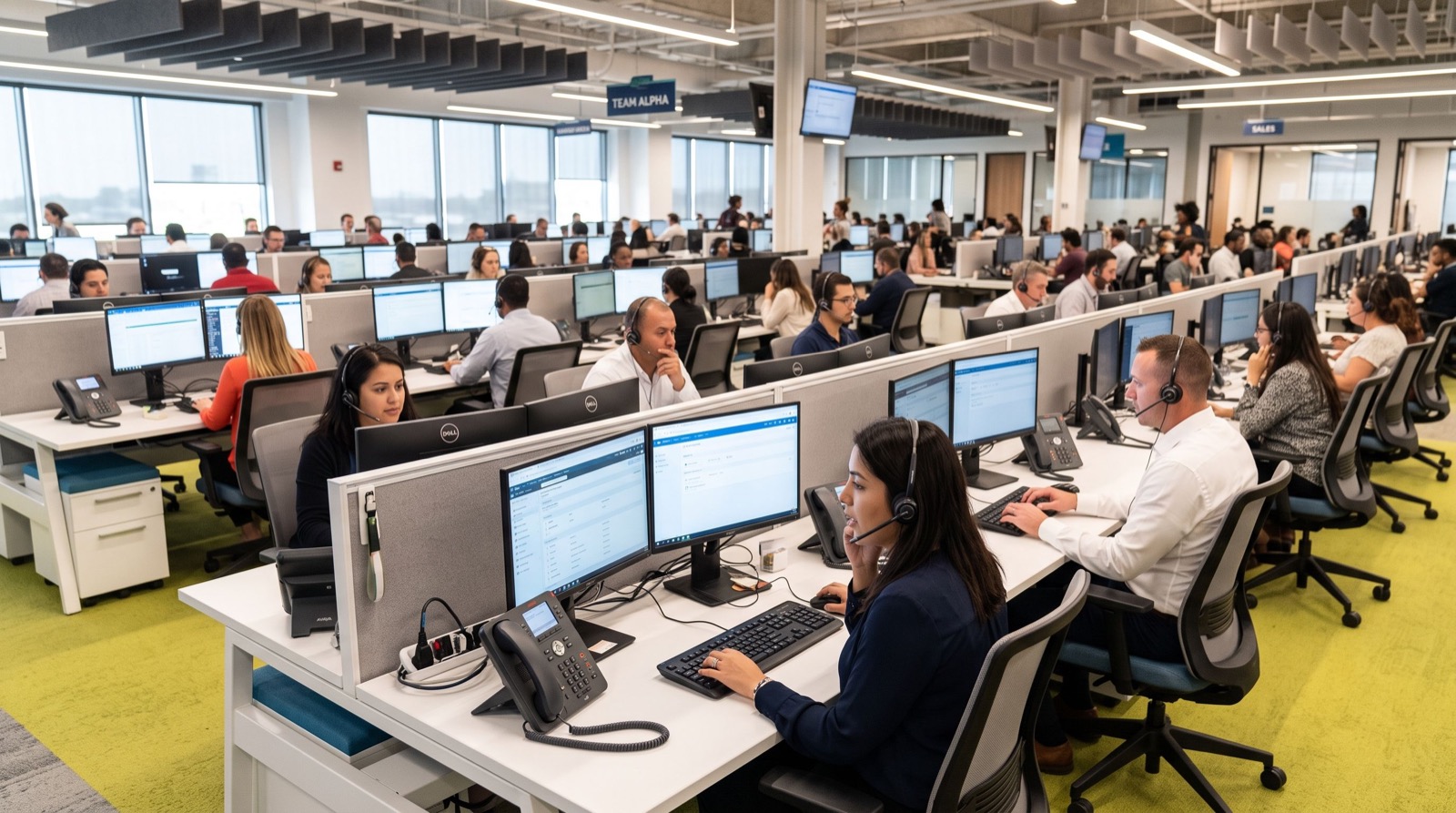
Because the call travels as data, it can go anywhere your network reaches. A single system can link your head office, a branch across town, and a staff member working from home, all sharing one set of extensions and one phone bill.
The journey of a single call
- You lift the handset and dial a number.
- The phone converts your voice into digital packets.
- Packets travel across your network to a server or cloud PBX.
- The PBX routes the call to the right destination.
- The far end reassembles the packets back into clear audio.
All of this happens in milliseconds, which is why a good VoIP call sounds as natural as a landline, often clearer thanks to wideband HD audio.
Why Businesses Are Switching in 2026
The move to IP telephony is accelerating as old copper networks are retired worldwide. Switching is no longer a luxury; for many businesses it is becoming the only forward-looking option. Here is what owners tell us they gain.
- Lower call costs: Internal and long-distance calls often cost a fraction of legacy rates.
- Easy scaling: Adding a desk means plugging in a phone, not calling the telco.
- Rich features: Voicemail-to-email, auto-attendants, call recording, and queues come standard.
- Mobility: One extension can ring a desk phone, a laptop, and a mobile at once.
- Simple wiring: Power over Ethernet carries both data and power on one cable.
Choosing the Right IP Phone for the Job
Not every handset suits every room. A good supplier matches the device to the setting. You can explore a full range of IP Phone / IP Phones built for different environments, from busy reception desks to quiet guest rooms.
Hospitality: a special case
Hotels have unique needs. Guest-room phones must be simple, durable, and easy to clean, with one-touch keys for reception, housekeeping, and room service. The Fanvil H2U is a compact model designed exactly for this role, offering a small footprint, programmable speed-dial keys, and the HD audio guests expect, all while being affordable enough to deploy across hundreds of rooms.
Match the handset to the user
| Setting | What matters most | Typical choice |
|---|---|---|
| Hotel guest room | Simplicity, speed-dial keys, small size | Compact hospitality phone |
| Reception | Many monitored lines, large display | Executive phone + sidecar |
| Clinic front desk | Clear audio, easy transfers | Mid-range desk phone |
| Back office | Low cost, reliable basics | Entry-level IP phone |
What You Need Before You Buy
An IP phone is only as good as the network it sits on. Before ordering, confirm these essentials so your first calls sound great.
- A stable broadband connection with enough upload bandwidth for your busiest hour.
- A PoE switch or adapters to power the phones.
- A SIP account or PBX, either on-site or hosted in the cloud.
- Quality of Service rules so voice traffic gets priority over large downloads.
One practical tip from the field: run a free jitter and latency test on your connection before committing. If jitter is high, fixing the network first prevents weeks of blaming perfectly good handsets for choppy audio. When in doubt, a team of reputable service experts can audit the connection and recommend the right switch in an afternoon.
What to Expect on Installation Day
A typical office switchover is far calmer than owners fear. Once the network switch and PBX are ready, each phone is plugged in and pulls its settings automatically through provisioning. Extensions are assigned, a short greeting is recorded, and staff get a ten-minute walkthrough of transfers, holds, and voicemail. Most small sites are fully live within a single visit.
The quieter work happens beforehand. A good installer tests your broadband for jitter and latency, confirms the switch has enough PoE budget, and sets up the voice VLAN. Getting those foundations right is why go-live day feels uneventful, which is exactly what you want from a phone system.
Common Myths That Hold People Back
Many owners delay the switch over outdated fears. VoIP once had a reputation for dropped calls, but modern networks and codecs have erased that. Another myth is that you must replace all your wiring; in reality, the structured cabling you already use for computers usually carries voice perfectly. Finally, some worry about power cuts, which is why we always pair phones with a small UPS on the network switch.
Frequently Asked Questions
What is the difference between an IP phone and a regular phone?
A regular phone uses a dedicated copper line, while an IP phone sends your voice as digital data over your internet or office network. The IP phone unlocks advanced features, lower costs, and easy expansion that analog lines cannot match.
Do IP phones work during an internet outage?
If your internet drops, calls over that connection pause. Most businesses mitigate this with a backup connection or by forwarding calls to mobiles automatically, so customers still reach you even during an outage.
Can I keep my existing phone number?
In most cases yes. Number porting lets you move your current business number to the new IP system, so customers notice no change while you enjoy lower bills and better features.
Is an IP phone hard to set up?
Modern IP phones support auto-provisioning, meaning they download their settings automatically when plugged in. For a single office, setup can take minutes per phone once the network and PBX are ready.
Conclusion
An IP phone turns your internet connection into a flexible, feature-rich communications hub that costs less and does more than the copper lines it replaces. Whether you run a hotel, a clinic, or a growing office, the key is to prepare your network, choose handsets that fit each room, and lean on experts when needed. Ready to modernize? Start with a short list of models and request a demo so you can hear the HD difference for yourself.